
From setup to the next session
How Gold & XP Works
Build the campaign, invite the party, record what changes, and keep everyone ready for the next game.
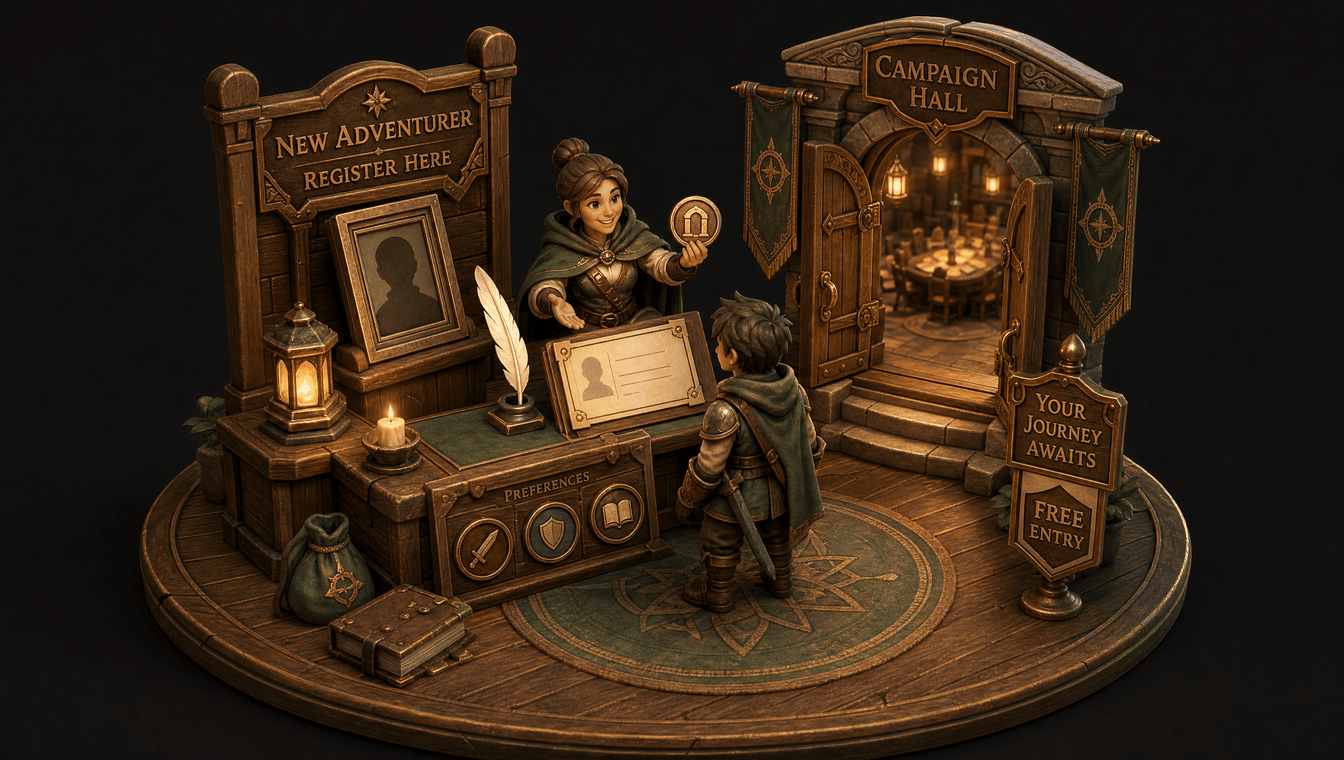
Step 1
Create an account
Start on the Free plan and choose the identity and settings you want to use.
Step 2
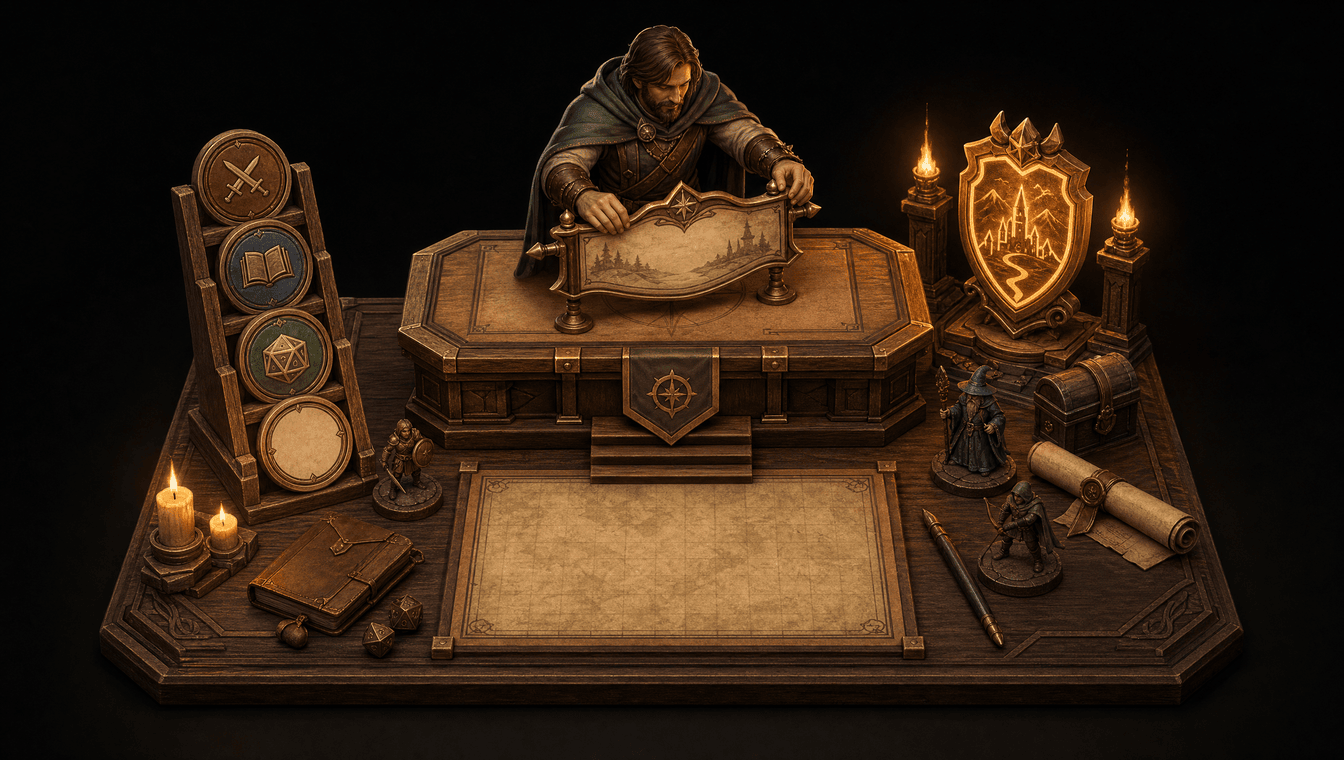
Create a campaign
Name the campaign, select an edition or custom approach, and establish its home in Gold & XP.
Step 3
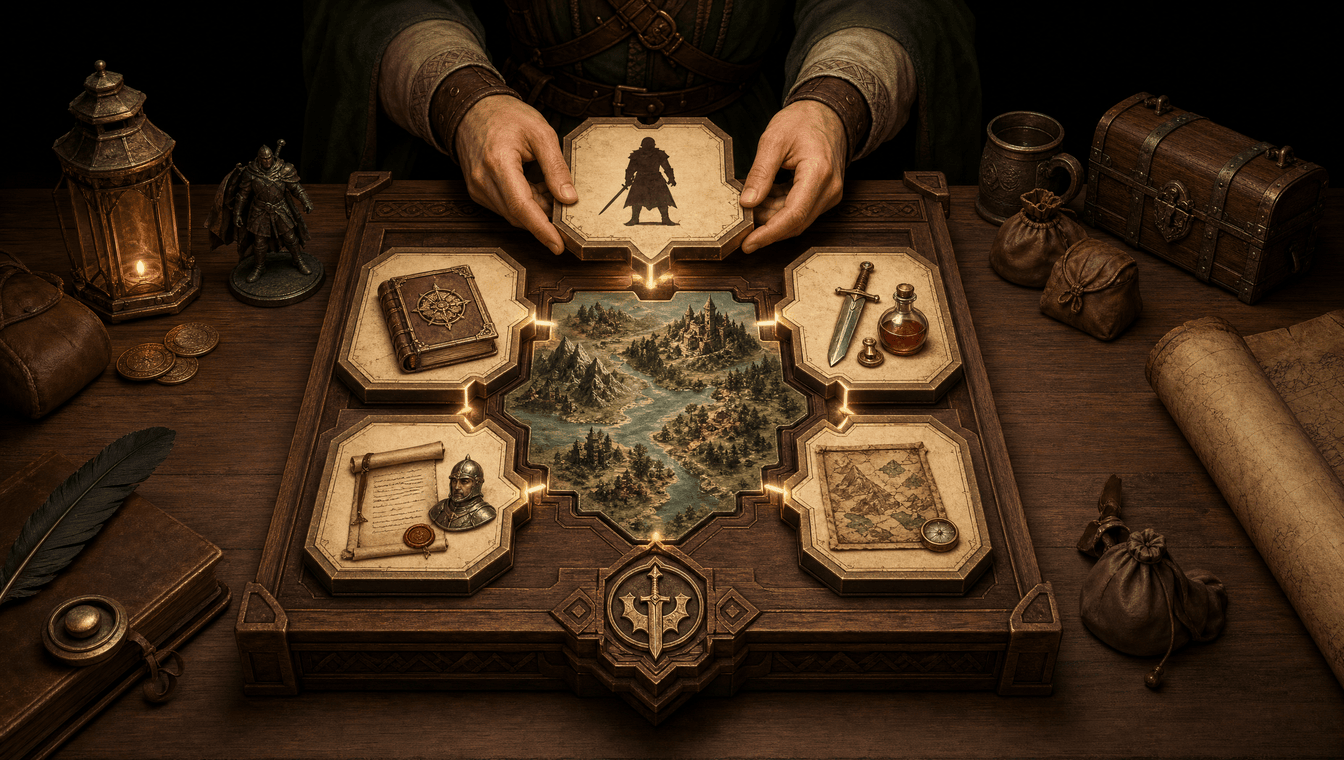
Configure campaign settings
Choose the rules, character creation options, items, hirelings, and world information your table needs.
Step 4
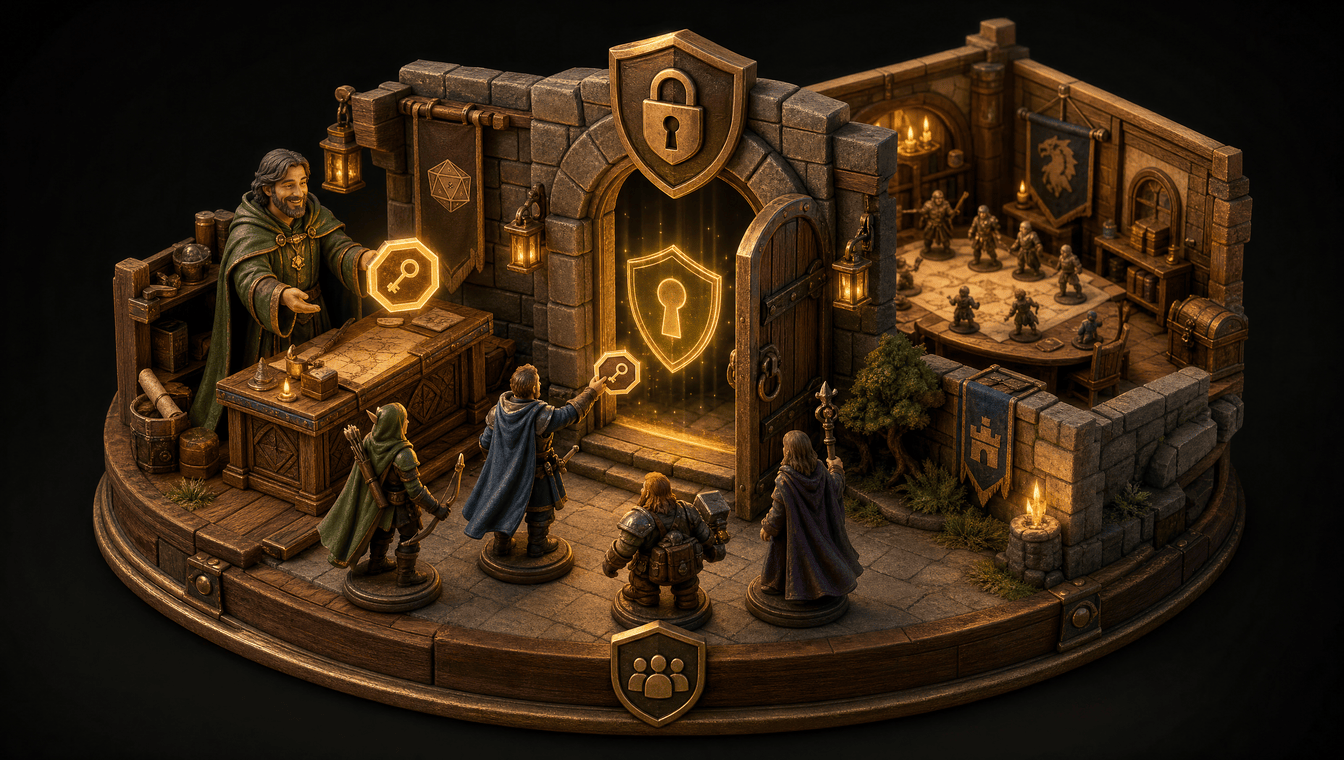
Invite players
Share a campaign join code so players can enter the correct protected campaign space.
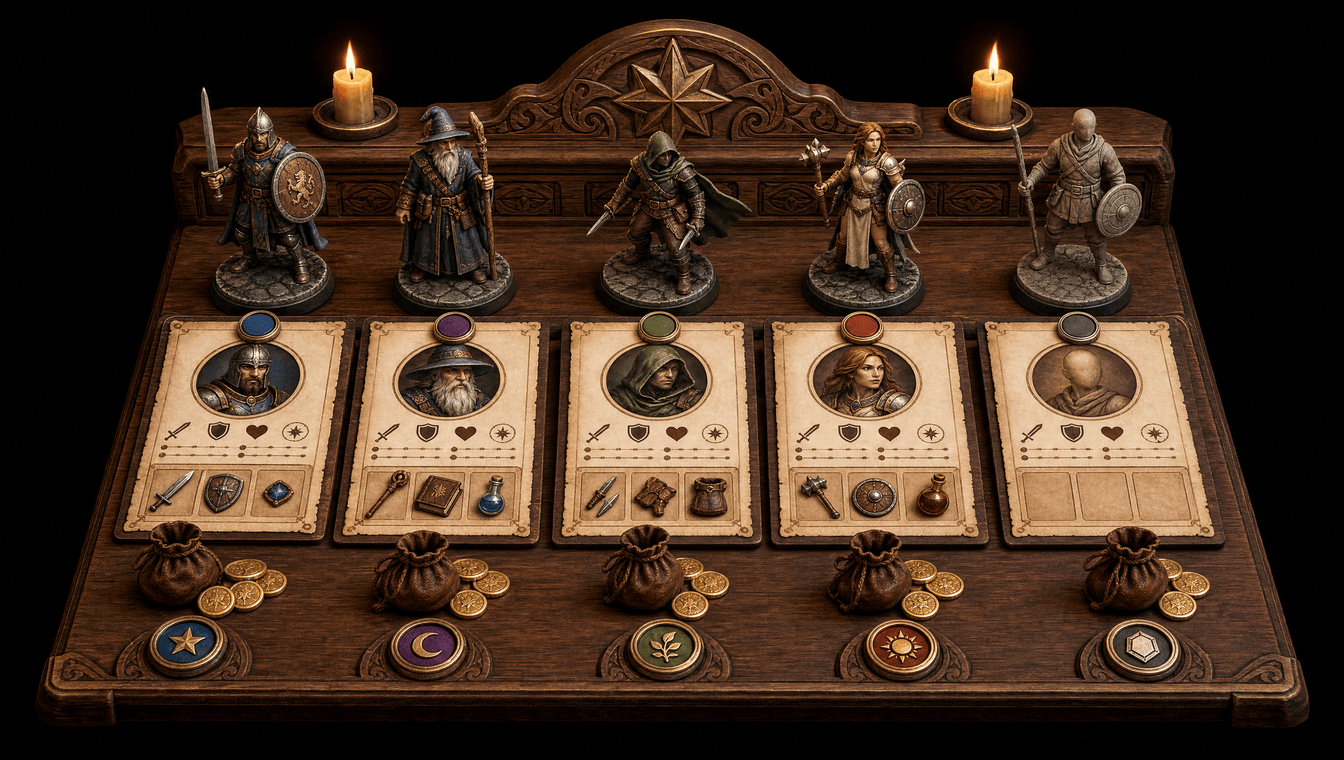
Step 5
Add characters
Create OSR or custom characters and connect ownership, equipment, currency, and progression.
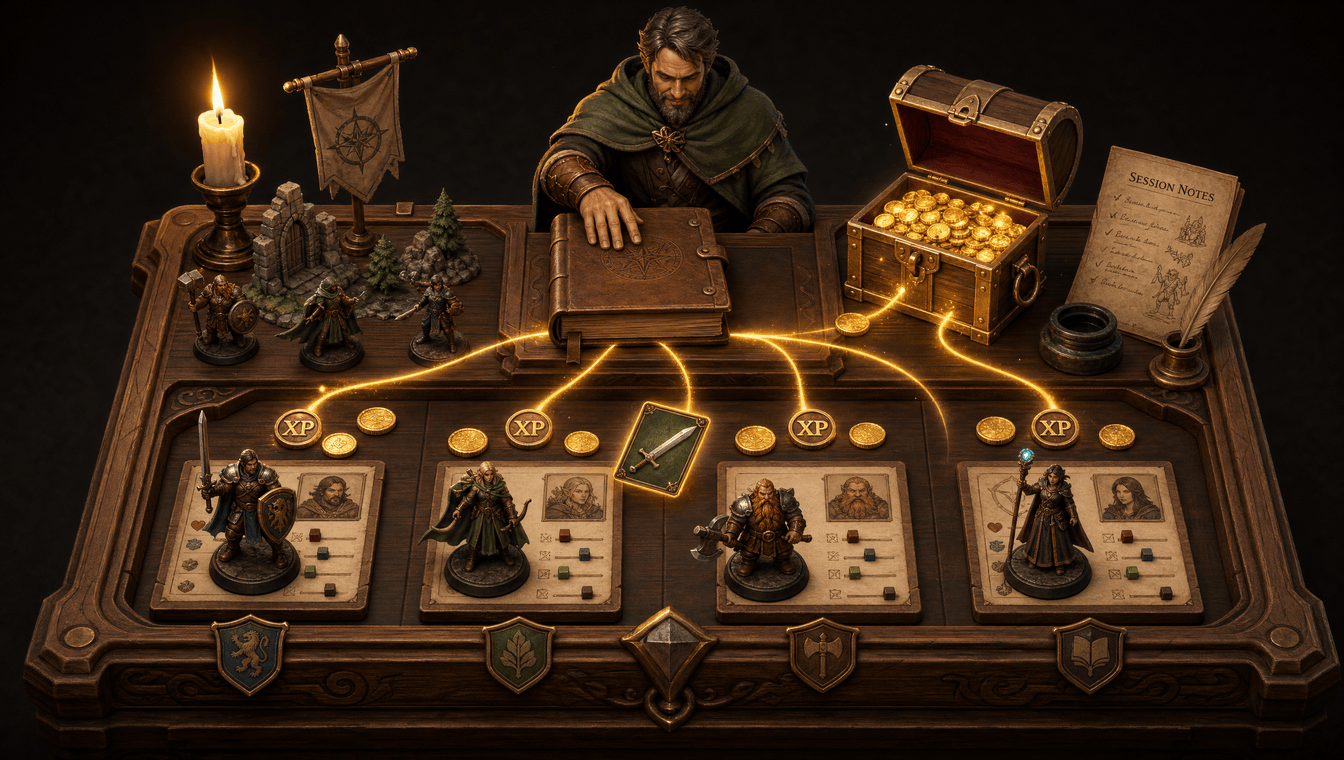
Step 6
Run and finalize sessions
Keep notes, award gold and XP, and distribute items or currency when the session is complete.
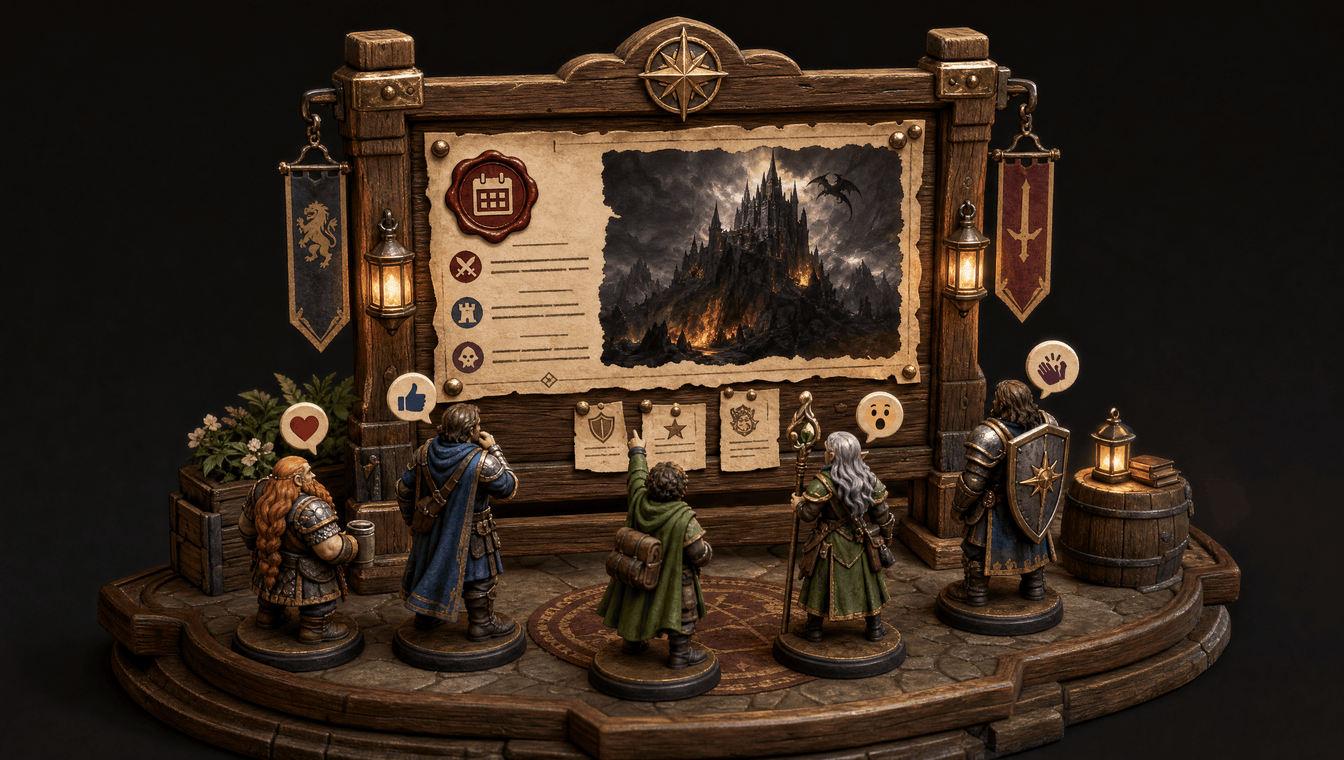
Step 7
Publish campaign updates
Share announcements or campaign-blog entries so the party can review events between games.
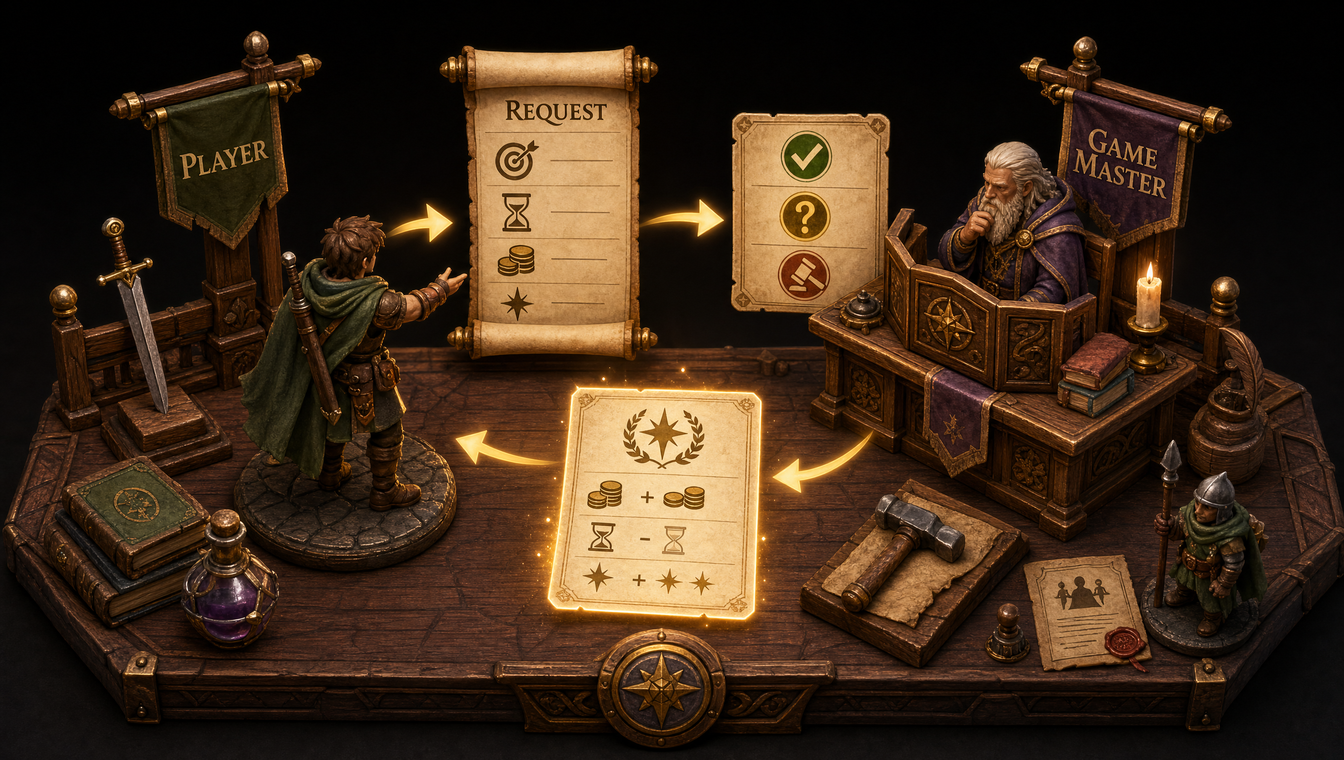
Step 8
Submit and resolve downtime
Players propose between-session actions while Game Masters review requests and return outcomes.
Bring your campaign together between sessions
Create a free Gold & XP account and start organizing your next adventure.
Create your free account